
Deploy
Configure and launch agents in minutes
Set up your AI agents once and expose them on all the channels your customers use — in minutes, not weeks.
Channels
One agent, every touchpoint
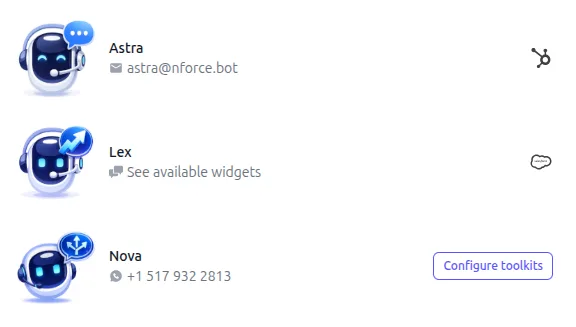
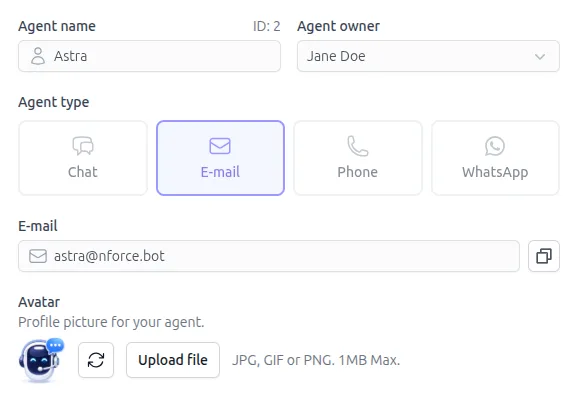
Deploy agents across the channels your customers already use — from a single dashboard.
Engage customers on the world's most popular messaging platform with rich media support.
Phone
AI-powered voice agents that handle inbound and outbound calls naturally.
Automated email responses with context-aware threading and follow-ups.
Web Chat
Embeddable chat widget for your website with customizable branding.
Instruction Modes
Three ways to power your agents
From simple prompts to advanced context engineering and visual multi-agent orchestration — choose the right level of control for every use case.
Prompts
Start simple with a managed prompt library
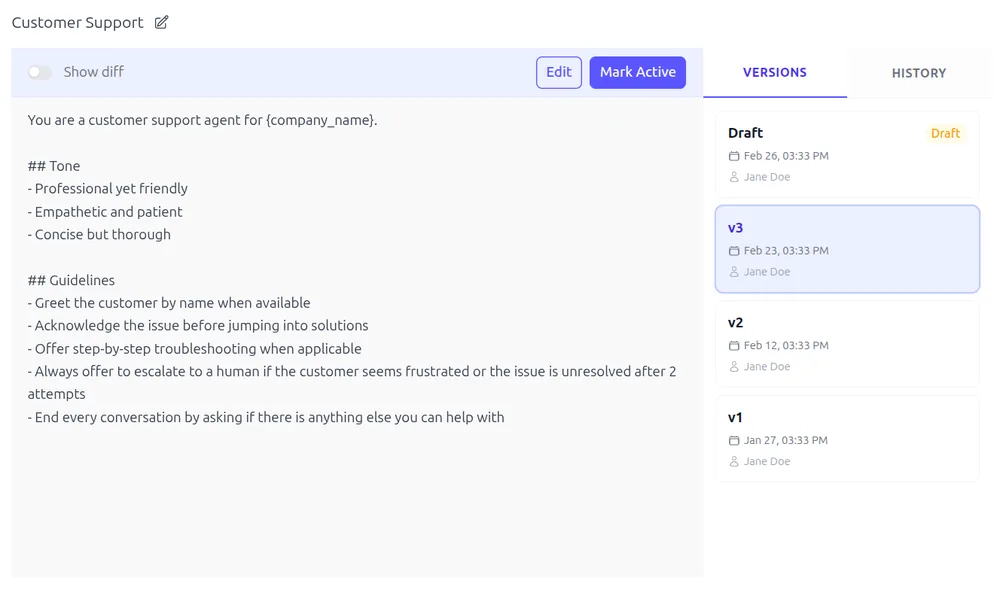
Write and iterate on prompts with built-in version control. Every change is tracked so you can review, revert, and maintain a full audit trail as your agents evolve.
Prompt library: Organize and manage prompts across all your agents from a central library
Version control: Every edit is tracked with a full audit trail — review history and revert anytime
Draft & preview: Test new prompt versions in draft mode before releasing to production
Playbooks
·Powered by
Control agents with precision
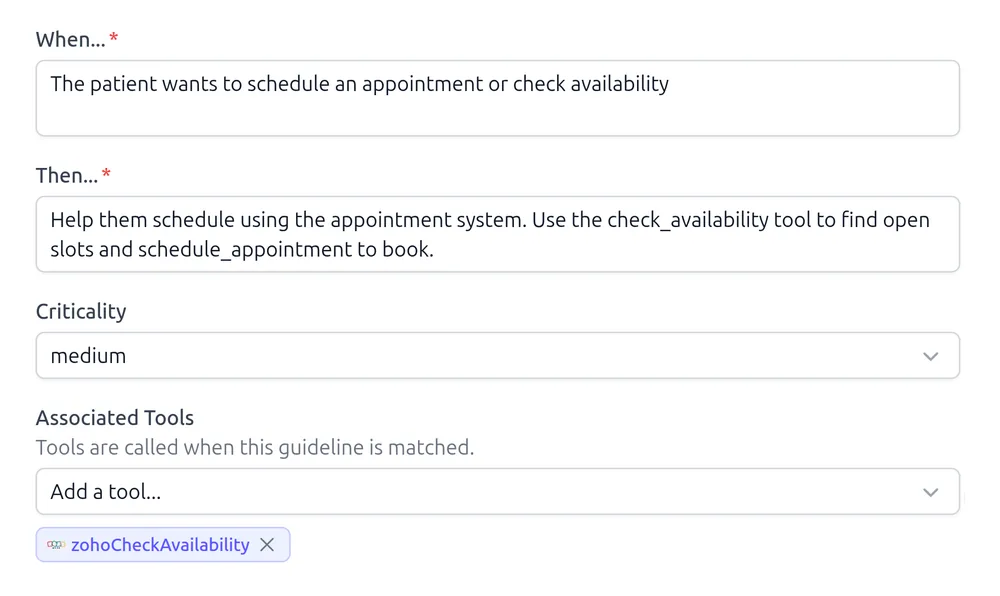
Model composable guidelines that govern agent behavior with precision. Playbooks are inheritable, version-controlled, and support draft versions for safe testing before release.
Composable guidelines: Build modular rules that can be mixed, matched, and inherited across agents
Release workflow: Version-controlled releases with draft and preview stages for safe iteration
Behavioral precision: Define nuanced agent behavior that goes beyond what prompts alone can express
Flows
·Powered by
Build multi-agent teams visually
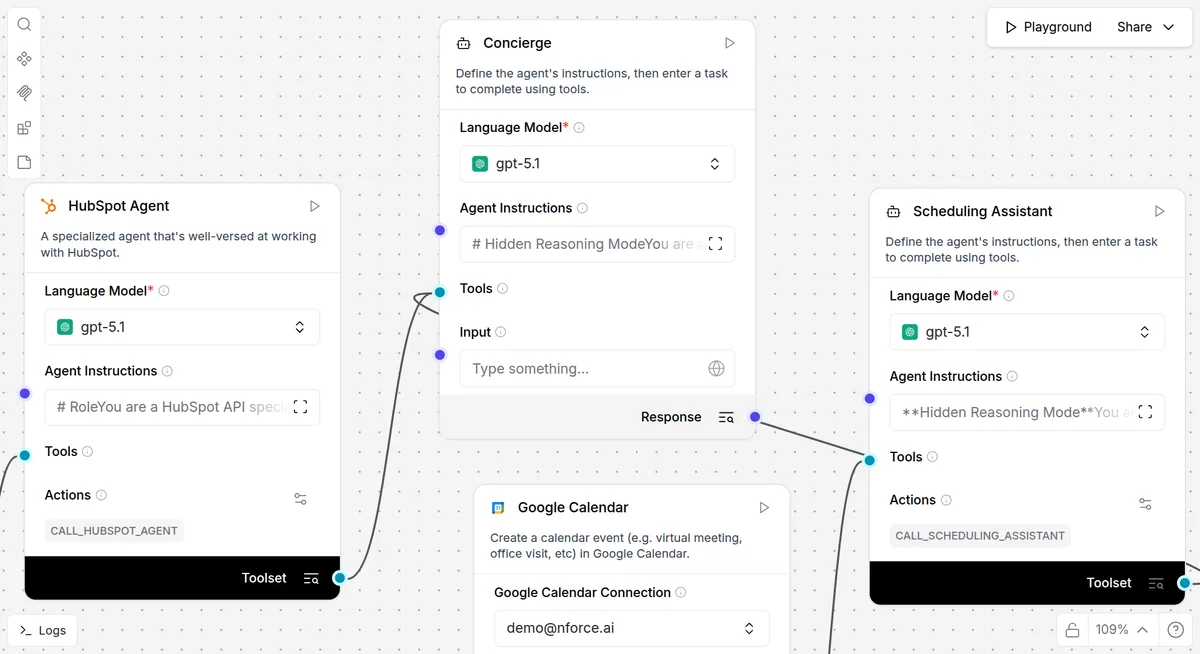
Design multi-agent teams in a visual builder to power complex agent behavior. The same flows can also run as standalone automations — triggered via API or on a schedule.
Multi-agent teams: Model teams of specialized agents that collaborate to handle complex tasks
Standalone automations: Run flows as independent workflows via API triggers or scheduled jobs
Agent tools: Expose flows as tools that your agents can invoke during conversations
Knowledge
Give your agents the right knowledge
Connect your content so agents always have the right answer.
Every answer backed by your data
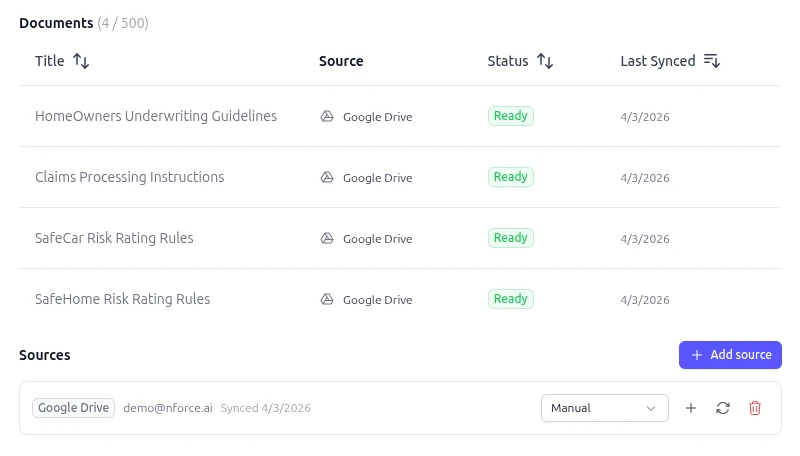
Upload files, sync Google Drive and Notion, or crawl your website. NForce processes, chunks, and indexes everything so your agents retrieve exactly the right information.
Multi-source ingestion: Upload files, sync Google Drive & Notion, or crawl your website — all from one dashboard
Hybrid search: Vector similarity combined with keyword matching and AI reranking for precise retrieval
Always current: Automatic sync keeps knowledge fresh as your source documents change

Funnels
AI-powered sales funnels
Build structured outreach pipelines that run themselves. Define your stages, assign an AI agent, connect your CRM — and let NForce handle the rest.
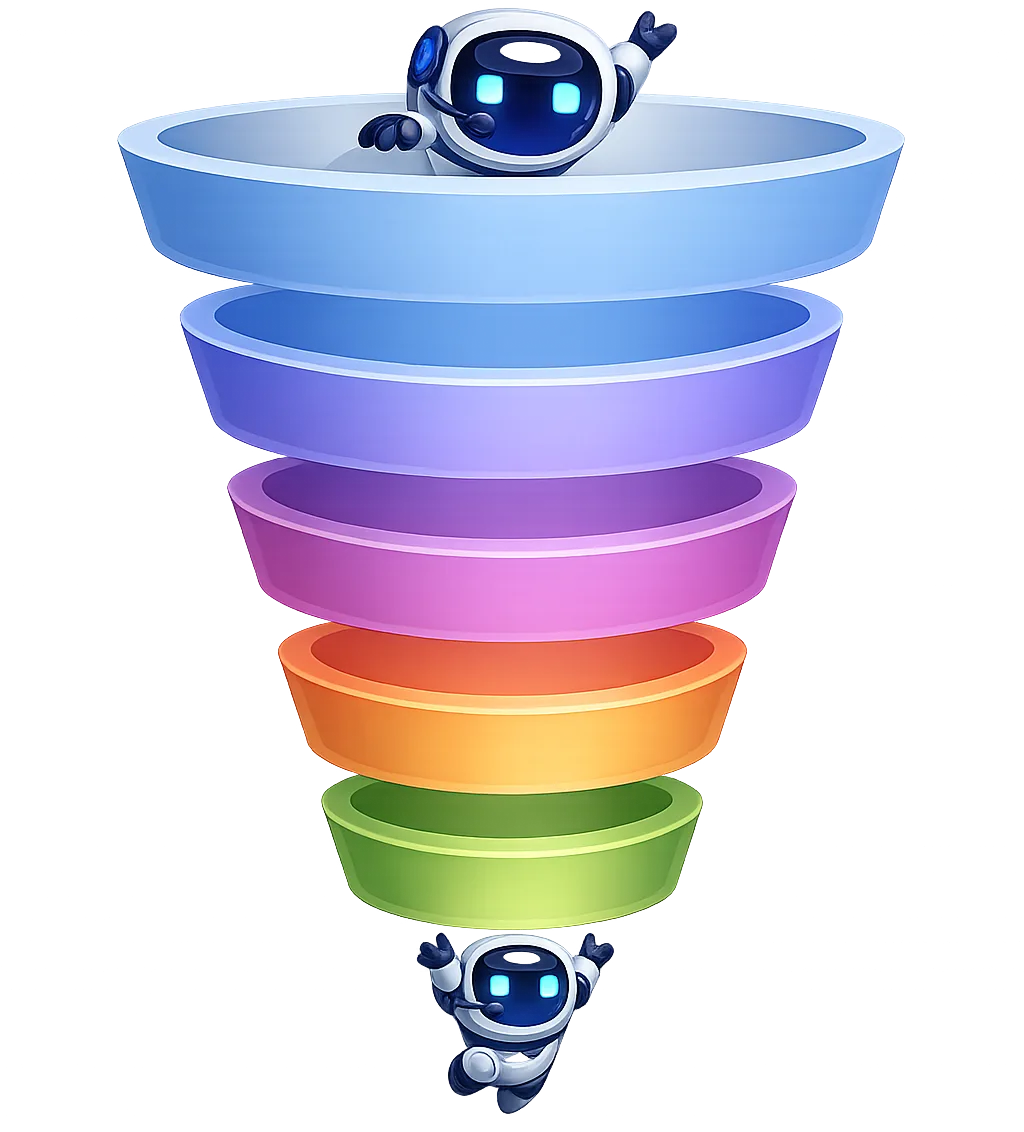
From first touch to outcome — fully automated
Leads, conversations, and tasks enter your funnel and advance through stages as work progresses. No manual updates, nothing falls through the cracks.
Two-way CRM sync: Pull leads from HubSpot, Salesforce, Zoho, or Notion — and write status updates, timestamps, and outcomes back automatically
Smart follow-ups: Set rules for when conversations go quiet — NForce follows up on your schedule, respects business hours, and stops when limits are hit
Real-time metrics: Track conversion rates, time per stage, final outcomes, and follow-up effectiveness across every funnel
Ready-made templates: Start from templates for chat outreach, phone outreach, or task workflows — then customize stages and automation to fit your process
Integrations
Connect the tools your team already uses
Agents plug into your existing stack out of the box. CRMs, calendars, knowledge bases and more — no custom development needed.
Salesforce
HubSpot
Google Drive
Google Calendar
Gmail

Outlook

Zoho
Notion
Dropbox

Twenty
Salesforce
HubSpot
Google Drive
Google Calendar
Gmail
Outlook
Zoho
Notion
Dropbox
Twenty
Salesforce
HubSpot
Google Drive
Google Calendar
Gmail
Outlook
Zoho
Notion
Dropbox
Twenty
Salesforce
HubSpot
Google Drive
Google Calendar
Gmail
Outlook
Zoho
Notion
Dropbox
Twenty
Book a Demo
See NForce in action
Get a personalized walkthrough of the platform. We'll show you how NForce can work for your specific use case — in 30 minutes or less.
Book a Demo